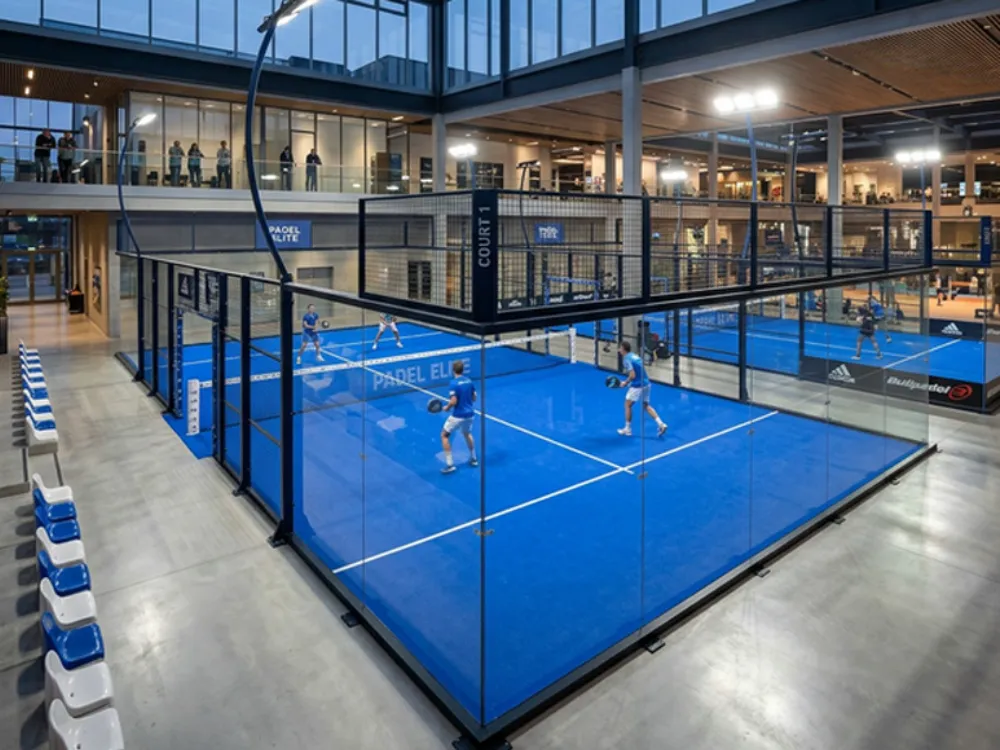
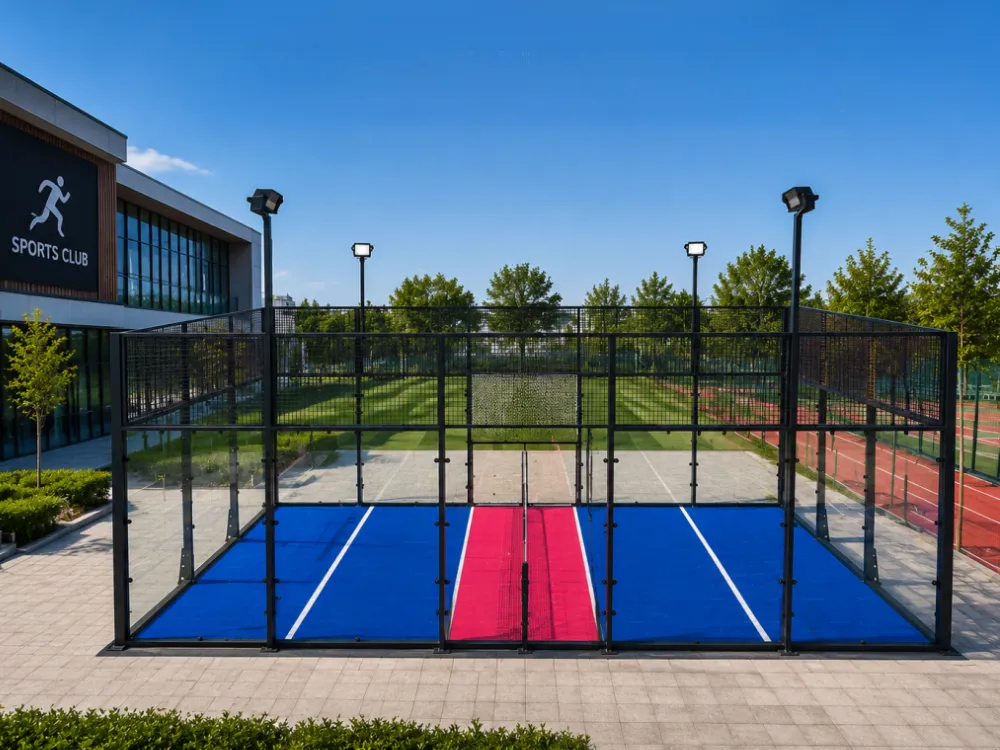
Start Padbol court maintenance by identifying the installed system and getting its care instructions. Give staff a way to record what they see, report problems, and find out who can make a decision about use.
A staff member notices a raised floor edge just before a booking. The next shift needs to know which court it is, where the edge has changed, and who is reviewing it. This guide gives you a checklist for that handoff and a way to keep cleaning instructions, repair records, and parts information tied to the equipment on site.
Key takeaways
- Keep the installed model, surface, and care document together.
- Record visible changes by location and pass them to the assigned contact.
- Confirm cleaning methods for the actual surface.
- Match replacement parts to the installed system and save the written answer.
What Padbol court maintenance includes
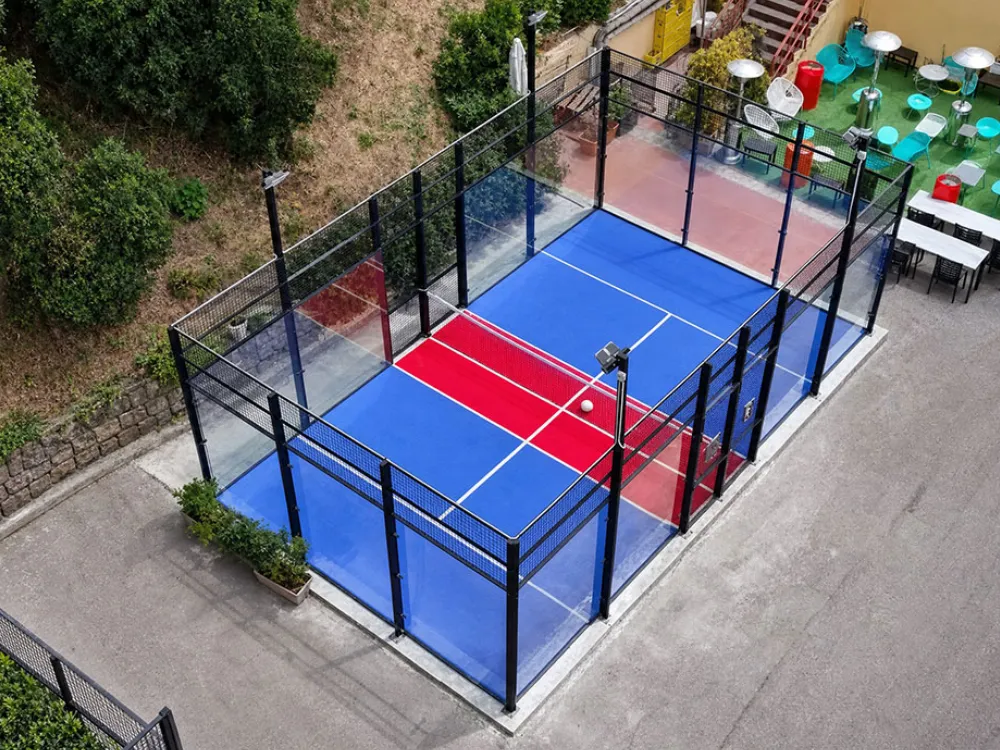
Identify the installed court
Start a Padbol court maintenance file with a court identifier and the documents supplied at handover. Add the model, surface reference, enclosure, net system, and included equipment. A venue with several courts should record which setup belongs to each one, even if the courts look alike.
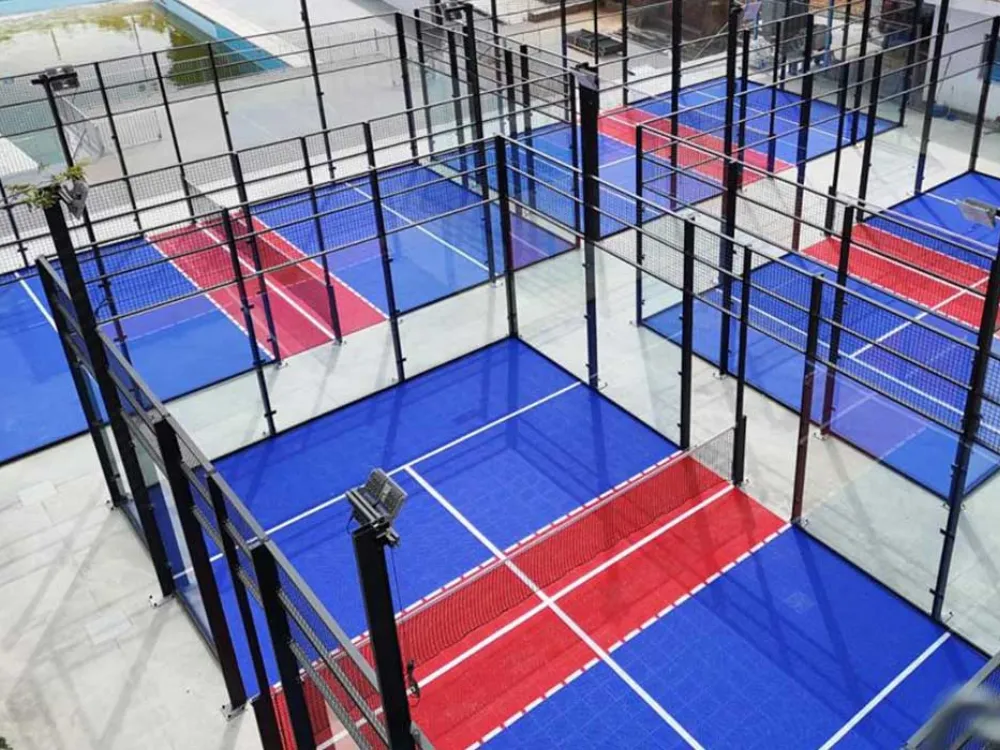
PEDI’s PC099 product table lists PP interlocking floor modules of 250 × 250 × 13 mm. The page also contains references to turf. Use the handover schedule, installed part references, or written supplier confirmation to find out which surface your court uses.
Assign the work and reporting roles
Set out who observes the court, who carries out approved cleaning, who receives reports, and who can decide on restrictions or a return to use. Assign those roles to people or teams within your own operation. Keep the contact route accessible when the regular facilities lead is away.
For Padbol court maintenance, make the document list as easy to find as the report form. Staff should be able to tell which instructions apply to their work and where to ask when a task falls outside it. Put the court reference on the file so it can be matched to an observation or service request.
Illustrative scenario. A staff member sees a change at the floor edge by the entrance. They record the court, the location, and when they noticed it, then pass the report to the venue contact. The contact can review the issue with the right team without asking the next shift to find the affected spot again.
If you need to identify the supplied configuration for a PEDI project, include the model and order reference in your enquiry. Contact PEDI for product information.
Build a routine observation checklist
Walk through the areas your team can observe
Build the Padbol court maintenance checklist around the installed equipment and your staff’s assigned tasks. Record visible changes from positions staff can normally access. Keep specialist assessment separate in your work plan and name the people who will handle it.
| Area | What staff can note | Detail to put in the record |
|---|---|---|
| Playing surface | A change in condition or appearance | Court, affected area, and photo if suitable |
| Edges and transitions | A change from the last observation | Nearest entrance or marked location |
| Glass and mesh | Visible damage or an unusual change | Panel or section reference if known |
| Doors and access | A reported change during normal use | Door identifier and what was observed |
| Net and included equipment | A visible change or a user report | Equipment reference and date |
| Lighting | A reported outage or change | Fixture or area and when it occurred |
Use the table as a reporting aid. Your venue should decide which fields and checks belong on its actual list, based on the supplied documents, operating conditions, and responsibilities. The list can also show where instructions or a service contact are still missing.
Record what changed
A useful entry says where the issue is and what the person actually saw. Describe the affected area and when the change was first noticed. If you include a photograph, label it with the court and location so someone else can match it to the report.
Keep the description separate from the diagnosis. A photo and a short note can help the next person understand the concern, while the assigned reviewer determines what further information is needed. If a condition has already been reported, link the new observation to the existing record.
Set the Padbol court maintenance check schedule using the documents for the installed system and your venue’s operating plan. Note who owns that schedule and how staff record a missed check. If the maker has supplied separate instructions for different parts, give each task its own reference.
Match cleaning to your Padbol court maintenance documents
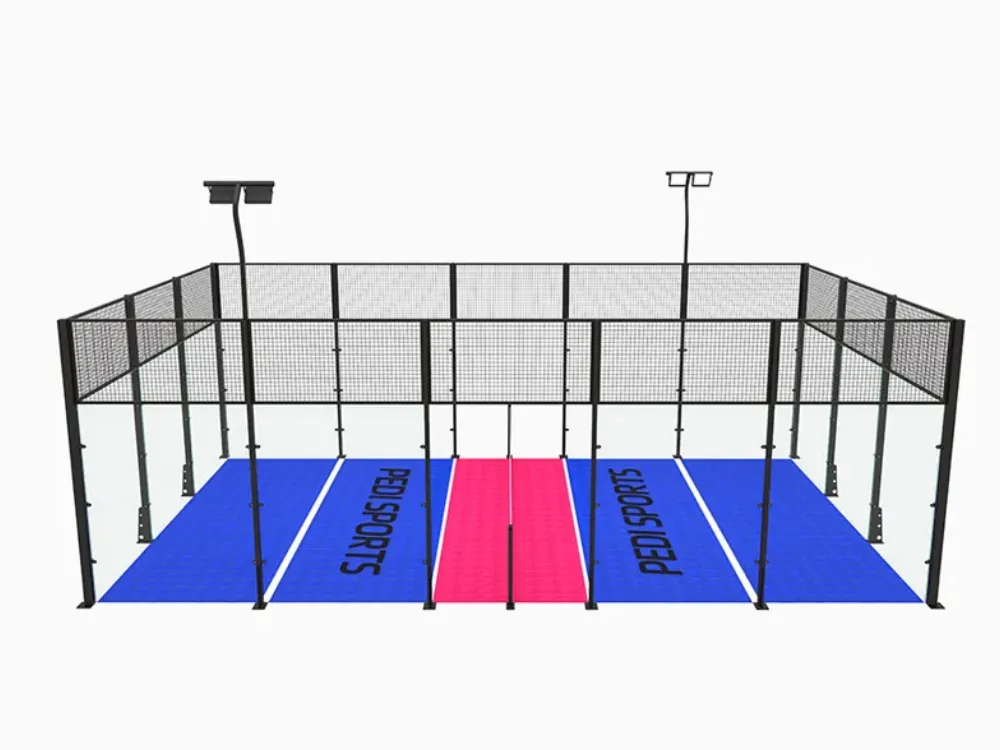
Confirm the surface before choosing a method
A modular surface label is a starting point for a question about Padbol court maintenance. Ask for the specific surface reference, the care document that covers it, and any limits on the work staff can perform. Keep the answer beside the equipment information used by the cleaning team.
WePadel’s Panoramic FAQ gives separate care descriptions for its modular PVC floor and optional turf. That distinction matters when comparing the records for two courts. Its published instructions apply within the scope of that supplier’s description.
A product sheet can help you locate the relevant information about an enclosure, lighting system, or floor option. Check the named system before putting any information into your own operator file.
Ask for instructions your staff can follow
For each Padbol court maintenance task, request the allowed method, the tools or products it specifies, and any limits on use. Ask how the instruction applies to markings, edges, and other supplied parts where relevant. Where a document names a cleaner or setting, keep the wording and document revision with the task.
Ask the responsible parties to explain how cleaning relates to the surface, base, and drainage arrangements for your venue. A product feature may answer a question about the floor module while leaving questions about the whole site open. Record the answer for the installed court before assigning the work.
Illustrative scenario. A colleague suggests using a product left over from another sports surface. The operator checks the care file and finds that the installed surface reference is missing. They request the applicable instructions and keep the proposed task open while that question is resolved.
Give the next shift a clear record
A short cleaning log can show the court, the task, the date, and the instruction used. Give staff a place to note an exception or an issue found during the work. That entry can be linked to an issue report when another person needs to review it.
Review Padbol court maintenance instructions when equipment changes. Keep older versions with past records and mark the current one clearly. The next shift should be able to see which guidance applies without searching through a string of old messages.
Report issues and document the response
Make reports easy to locate and act on
Use one Padbol court maintenance report for each issue. Give each report a reference and link it to the court. Keep the form short enough to use during a shift, with room to add the later assessment and decision.
| Report field | Entry to capture |
|---|---|
| Court and location | Where the concern was seen |
| Date and observation | What changed or what a user reported |
| Supporting information | Photo, part reference, or related report |
| Person notified | Who received it and when |
| Current status | Pending review, action assigned, or closed |
| Decision and follow-up | Who made the decision and what remains open |
If several people report the same concern, link their observations so the responsible person has the full history. Include new details when they change the picture. Keep the original descriptions available instead of replacing them with a guess about the cause.
Pass decisions to the responsible person
Follow your venue’s process for raising concerns about the surface, enclosure, access, net, or included equipment. The person assigned to the issue should decide which review is needed and whether use should be restricted. Staff should know how to reach that person and how to communicate the resulting decision.
A Padbol court maintenance report can point to the affected component and show what is known. For work involving glass, structural connections, or electrical equipment, use the relevant model instructions and the people responsible for that work. Keep any required assessment with the issue record.
Hand an open report to the next shift
When the shift changes, check the Padbol court maintenance record against the current booking status. Tell incoming staff who has the report and when the next update is due. Give them the record reference so they can add new observations in the same place.
If the assigned contact has changed, update the entry and pass it to the new owner. Ask the incoming team to confirm where they can find the current decision about court use. Keep that decision with the Padbol court maintenance report so the duty manager and booking staff work from the same information.
Close the loop
After a review or service visit, record what was checked, what action was taken, and who made the decision about use. If an action remains open, assign an owner and a follow-up date. Give the booking team the current status in the form it uses to manage access.
A Padbol court maintenance record is useful across shifts when the status is easy to see. Check that a closed report has an answer attached and that a pending report still has an owner. Keep reopening decisions tied to the relevant review and venue process.
Manage spare parts and care records
Verify the part you intend to order
For a Padbol court maintenance enquiry, share the model, order reference, installed part reference, and a description of the item. Add photos where they help distinguish the part. Ask the supplier to confirm in writing what fits the system and which instructions apply.
The PC099 product page gives dimensions for components such as the floor module and glass. Use the published information as an identification lead and match it to the actual installed configuration. Request the part reference and written compatibility confirmation before ordering.
Illustrative scenario. Two floor modules appear to be the same size in photographs. The operator asks the supplier to identify the correct part for the installed system and records the answer with the order. The record gives the next operator a reference for future enquiries.
Keep the operator file up to date
Add the installed configuration, current care guidance, service contacts, and agreed spare parts to your Padbol court maintenance file. Save replacement confirmations and service outcomes next to the original equipment information. If a part changes, record the change so future requests identify the equipment actually on site.
At handover, ask who will receive the file and who will update it after the first service call. Check that the operator can locate the instructions without asking the original buyer to forward them. For wider procurement and handover questions, see the Padbol court buying guide.
Frequently asked questions
How often should I check the court?
Set the Padbol court maintenance schedule with the applicable product guidance, venue process, and use conditions. Confirm who owns the schedule and where completed checks go. Ask the responsible person to review the schedule if equipment or operating conditions change.
Can I wash any modular floor?
Check the instructions for the actual surface and its associated parts before assigning a cleaning method. If you’re missing the care instructions, ask for the version that covers your floor.
Can I replace a tile with another of the same size?
Ask for written confirmation using the installed model and part references. Include connection details and photos if requested. Use the answer to prepare the replacement order and update the Padbol court maintenance record.
Who decides when the court can reopen?
Follow the venue’s assigned decision process and the findings of any required assessment. Record the responsible person, the basis for the decision, and any remaining conditions. Make the status available to the people handling bookings and access.
Keep Padbol court maintenance tied to the court your team actually operates. If you need PEDI product documents for that record, include the model, order details, and the specific surface or component question. Send your enquiry to PEDI.